

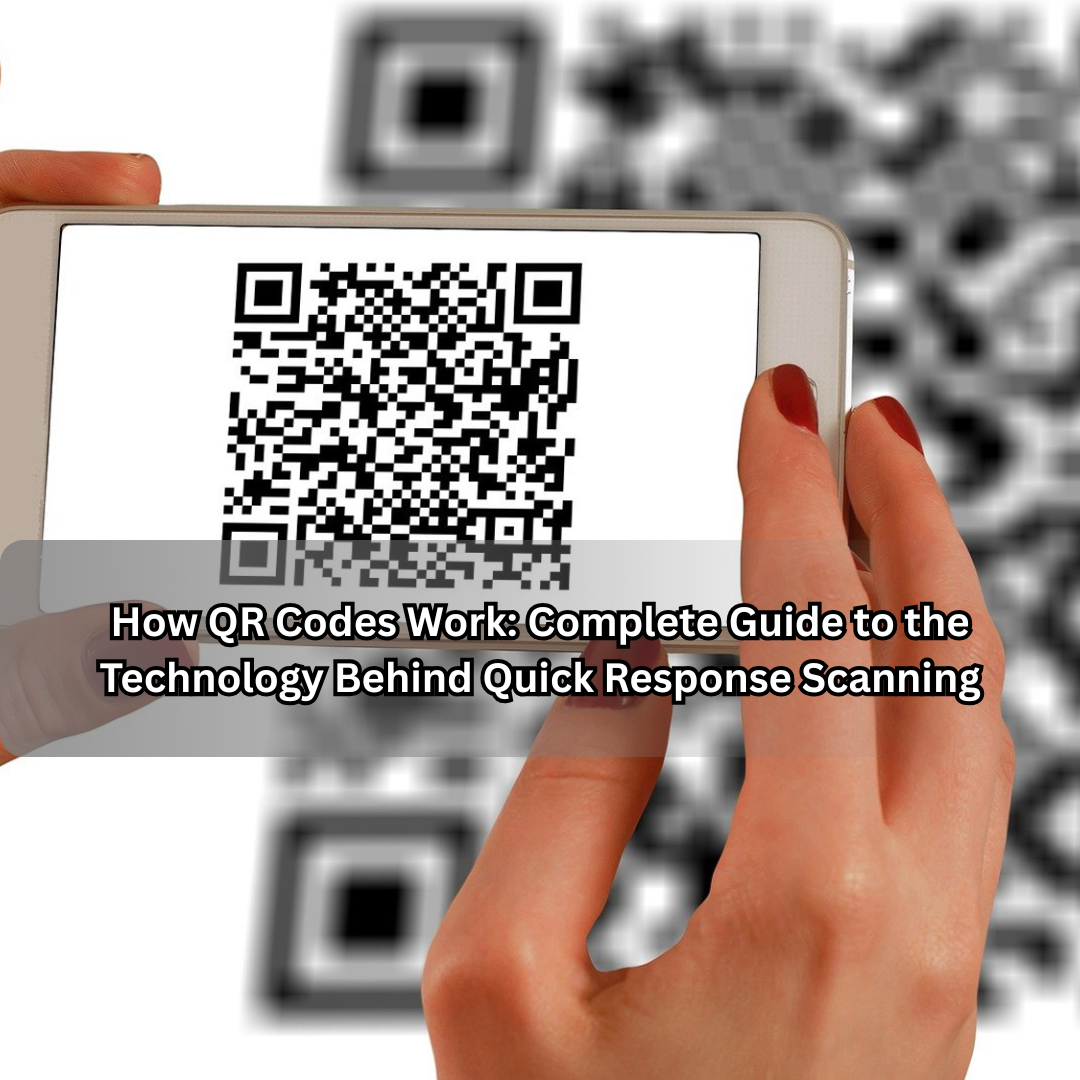
QR codes have become a silent but powerful part of everyday life. You see them on restaurant menus, product packaging, payment terminals, business cards, and even billboards. In seconds, they can open a website, process a payment, share Wi-Fi access, or verify your ticket.
But have you ever wondered how QR codes actually work? What happens between the moment you scan that black-and-white square and the instant information appears on your phone?
In this guide, we’ll break down the science, technology, and logic behind QR codes — how they store data, how scanners decode them, how they evolved, and why they’ve become the global standard for fast digital interaction.
This is not just a surface-level explanation; it’s a deep look into the structure, logic, and applications of QR technology — written for both curious readers and professionals.
What Is a QR Code?
The term QR Code stands for Quick Response Code, a two-dimensional barcode invented in Japan in 1994 by Denso Wave, a subsidiary of Toyota.
While traditional barcodes store information horizontally (one dimension), a QR code stores data both horizontally and vertically — making it far more powerful.
In a simple square grid of black and white modules, a QR code can hold hundreds of times more information than a conventional barcode. The data can represent text, URLs, numbers, or even binary data like images or encrypted messages.
The Purpose Behind Its Invention
Originally, QR codes were developed for the automotive industry. Toyota wanted a faster, more accurate way to track vehicle parts during manufacturing.
The existing barcodes of the time were slow — scanners could only read in one direction and had to align perfectly with the label. Engineers at Denso Wave designed a code that:
- Could be read in any direction (360° orientation).
- Stored significantly more data.
- Allowed for quick error correction if part of the code was damaged or dirty.
That’s where the “Quick Response” name came from — the system’s ability to deliver instant results from complex data.
How QR Codes Are Structured
At first glance, a QR code looks like random black squares. But it’s actually a carefully designed data map.
A typical QR code consists of:
- Position Markers (Finder Patterns):
The three large squares at the corners help scanners determine orientation and size. - Alignment Pattern:
Smaller squares that correct for distortion, especially in large or curved codes. - Timing Pattern:
Alternating black and white modules that help the scanner identify data boundaries. - Version Information:
Defines which version of the QR code is used (there are 40 in total). Higher versions hold more data. - Format Information:
Tells the scanner which error correction level and mask pattern were applied. - Data and Error Correction Bits:
The heart of the QR code. These sections contain actual encoded data and Reed–Solomon error correction.
Each component has a distinct role. Together, they allow the QR code to remain scannable even if up to 30% of it is damaged or covered.
Understanding the Data Encoding Process
The way information is stored inside a QR code depends on the mode selected. QR codes support several encoding modes:
- Numeric Mode: For digits 0–9; highly efficient (stores up to 7,089 characters).
- Alphanumeric Mode: Supports A–Z, 0–9, and a few symbols; up to 4,296 characters.
- Byte Mode: For general binary data such as UTF-8 text or files.
- Kanji Mode: Specifically designed for Japanese characters.
- ECI Mode (Extended Channel Interpretation): For other character sets beyond basic encodings.
When you create a QR code, the generator converts your text or URL into a series of binary digits. These bits are then arranged in a specific pattern inside the grid, interleaved with error correction data.
Error Correction: The Hidden Genius of QR Codes
One of the most remarkable features of QR codes is Reed–Solomon error correction.
It allows the code to be scanned accurately even when it’s dirty, damaged, or partially obscured.
There are four levels of error correction:
- L (Low): 7% data restoration.
- M (Medium): 15% data restoration.
- Q (Quartile): 25% data restoration.
- H (High): 30% data restoration.
Higher levels add more redundant data, so the code becomes larger — but also more resilient.
This is why you can still scan a code even if a logo or design overlaps part of it.
How Scanning Works
When you point your smartphone at a QR code, the following steps happen in milliseconds:
- Image Capture:
The camera takes a photo of the QR code and sends it to the decoding software. - Localization:
The software identifies the three position markers and determines the alignment and rotation of the code. - Perspective Correction:
The algorithm adjusts the image to form a perfect square, even if it was scanned from an angle. - Grid Sampling:
The system divides the image into a matrix and reads each module (black or white). - Decoding:
Binary data is extracted, grouped, and translated based on the encoding mode. - Error Correction:
If data is missing or damaged, the error correction algorithm reconstructs the missing bits. - Display or Action:
The decoded result (a URL, text, Wi-Fi connection, etc.) is displayed or executed automatically.
This process is so fast that you rarely notice it — the name “Quick Response” truly fits.
Versions and Sizes of QR Codes
Each QR code version determines how much data it can hold.
- Version 1: 21×21 modules (the smallest).
- Version 40: 177×177 modules (the largest).
A single QR code can hold up to 7,089 digits or 4,296 characters of text, depending on the encoding mode.
For most consumer uses — URLs, payments, restaurant menus — Version 2 to 6 codes are sufficient.
Dynamic vs Static QR Codes
There are two primary types of QR codes, depending on how they’re generated and used.
1. Static QR Codes
- Contain fixed information that can’t be changed after creation.
- Common for simple uses like linking to a website or sharing contact info.
- Example: A restaurant menu or a Wi-Fi password QR code.
2. Dynamic QR Codes
- Contain a short redirect link that leads to an editable destination.
- Allow analytics like scan count, location, and device type.
- Can be updated without changing the printed code.
- Used in marketing, payments, and digital tracking systems.
Dynamic codes are the backbone of business QR solutions because they provide flexibility and insight.
How QR Codes Enable Contactless Payments
The payment industry is one of the biggest adopters of QR technology. Whether you’re using UPI in India, WeChat Pay in China, or PayPal QR in the U.S., the mechanism is similar.
Here’s how it works:
- The Merchant Generates a Code:
The QR code contains merchant details and payment information. - The Customer Scans the Code:
Their mobile wallet reads the encoded payment data. - Payment Authorization:
The wallet app sends encrypted details to the bank or payment gateway. - Confirmation:
Both parties receive an instant confirmation once the transaction is processed.
Because QR codes use visual encoding instead of physical cards or contact chips, they make cashless systems cheaper and easier to deploy, especially for small vendors.
QR Codes in Marketing and Business
QR codes have transformed marketing from static print to interactive digital experiences.
Examples include:
- Product Packaging: Link to videos, manuals, or authenticity checks.
- Billboards & Posters: Direct users to websites or social media.
- Business Cards: Instantly save contact details or portfolio links.
- Events & Tickets: Verify entry through unique encoded IDs.
- Restaurant Menus: Contactless ordering post-COVID-19.
In each case, QR codes serve as bridges between offline and online worlds — turning physical touchpoints into trackable digital interactions.
Data Security and Privacy in QR Codes
Although QR codes themselves don’t store personal data, the links or actions they trigger can lead to privacy risks.
Potential Threats:
- Malicious URLs: Attackers can disguise phishing sites as legitimate links.
- Automatic Actions: Some codes can trigger unwanted downloads or messages.
- Data Analytics: Dynamic QR providers might log user data (location, device info).
Safety Tips:
- Always preview links before opening them.
- Use mobile security software with URL protection.
- Avoid scanning random or damaged codes in public places.
- Prefer first-party QR codes from verified businesses.
Customization and Branding
Modern QR codes can be designed creatively — with colors, logos, and unique shapes — without affecting readability.
This is possible thanks to high-level error correction. As long as the critical patterns remain untouched, you can stylize the design for branding.
Custom QR codes are widely used in:
- Marketing campaigns.
- Event invitations.
- Product packaging.
- Digital identity cards.
Brands use color gradients, logos, and embedded graphics to make QR codes more appealing and recognizable.
The Technology Behind Error Correction (Deep Dive)
Reed–Solomon error correction is the mathematical heart of QR technology.
In simple terms, it works by adding extra “check” data to the original information. If part of the code is unreadable, these checks allow the scanner to rebuild the missing information using polynomial mathematics.
It’s similar to how your phone’s camera can reconstruct a blurry image from surrounding pixels — except here, it’s done with data.
This mechanism is what allows damaged QR codes on old posters, scratched packaging, or even crumpled receipts to still function.
QR Codes in Logistics and Manufacturing
The original automotive use of QR codes still thrives today — expanded into logistics, warehousing, and supply chain management.
Applications include:
- Tracking shipments through each checkpoint.
- Monitoring inventory and serial numbers.
- Linking physical goods to digital databases.
- Authenticating parts or verifying warranty.
Because QR codes can be printed cheaply and scanned quickly, they outperform RFID tags in many low-cost scenarios.
Medical and Public Health Uses
During the COVID-19 pandemic, QR codes became a core tool for public health and contact tracing:
- Digital Vaccination Certificates encoded unique health IDs.
- Restaurant and event check-ins helped track exposure.
- Telemedicine links connected patients with doctors.
Beyond pandemics, hospitals use QR codes to:
- Store patient records.
- Mark medication packaging.
- Identify laboratory samples.
They reduce paperwork and human error in fast-paced medical environments.
How QR Codes Differ from Barcodes
| Feature | Barcode | QR Code |
|---|---|---|
| Dimension | 1D (horizontal) | 2D (horizontal + vertical) |
| Data Capacity | ~20 characters | Up to 7,000+ characters |
| Orientation | Must align properly | 360° readable |
| Error Correction | Minimal | Up to 30% recovery |
| Scanning Speed | Slower | Instant |
| Data Types | Numbers only | Text, binary, URLs, etc. |
Simply put, QR codes are the evolution of barcodes — smaller, faster, and smarter.
Future of QR Code Technology
QR codes are evolving into smarter, more interactive tools. Future trends include:
- Encrypted QR Codes: Secure payment and identity verification.
- Augmented Reality Integration: Codes that launch AR content instantly.
- Dynamic AI-Driven Analytics: Real-time insights into scans and user behavior.
- NFC-QR Hybrids: Combining QR visuals with contactless chip technology.
- Blockchain Verification: Tamper-proof QR codes for supply chains and luxury goods.
The next decade will see QR codes deeply embedded into IoT systems, smart packaging, and virtual commerce.
How to Create a QR Code Yourself
Creating one is surprisingly easy. You don’t need to be a coder.
Steps:
- Choose what you want the QR to do — open a link, display text, share contact info, etc.
- Use a QR code generator (there are many online).
- Select whether you want a static or dynamic QR code.
- Pick your error correction level (L, M, Q, or H).
- Download and test your code before printing or sharing.
Best Practices:
- Keep enough contrast (dark code on light background).
- Leave quiet zones (empty space) around the edges.
- Test scanning from different devices.
- Don’t overload data; shorter content scans faster.
Why QR Codes Became So Popular
Three factors drove the QR revolution:
- Smartphones with cameras: Universal accessibility for scanning.
- Mobile internet: Instant online connectivity.
- Pandemic shift: A global push toward contactless interactions.
Businesses discovered QR codes are cost-free, maintenance-free, and analytics-rich, turning them into marketing powerhouses.
Practical Everyday Examples
- Restaurants: Menu access without touching paper.
- E-commerce: Track orders or verify authenticity.
- Education: Quick access to assignments and resources.
- Tourism: Interactive guides and museum exhibits.
- Banking: Secure one-scan payments.
- Government: Digital verification for IDs or documents.
Once considered “industrial tools,” QR codes have become universal language for convenience.
Common Myths About QR Codes
Myth 1: “QR codes store viruses.”
Fact: QR codes are plain text — they can’t carry malware directly. The link they lead to could be malicious, but the code itself is harmless.
Myth 2: “They don’t work without the internet.”
Fact: The code can be scanned offline, but opening a link requires connectivity.
Myth 3: “They’re new technology.”
Fact: QR codes have existed for over 30 years. They just became mainstream recently.
Myth 4: “Any scanner can read any code.”
Fact: Some complex or encrypted codes need specialized apps.
How Businesses Can Use QR Codes Strategically
- Lead Generation: Redirect customers from print ads to landing pages.
- Brand Trust: Verify genuine products with embedded authenticity codes.
- Analytics: Track campaign performance through scan metrics.
- Customer Experience: Offer instant downloads, feedback, or support links.
- Payments: Replace POS machines with simple QR displays.
When implemented smartly, QR codes are not just functional — they’re data gateways that connect online engagement with real-world actions.
Environmental Impact and Sustainability
Unlike RFID chips or printed manuals, QR codes are eco-friendly:
- No batteries or chips.
- No metal or plastic components.
- Replaces paper brochures with digital alternatives.
By using QR codes for information delivery, companies save paper, reduce waste, and create smarter packaging.
Conclusion: The Invisible Infrastructure of Modern Life
QR codes have evolved from a factory tool into a global communication language. In a single scan, they bridge the gap between physical and digital spaces — replacing keyboards, cash, and even cards.
They embody the future of interaction: instant, accurate, and contactless.
The next time you scan a QR code, remember what’s happening underneath — a dance of mathematics, pattern recognition, and data correction — all working in harmony to deliver one instant action: information at the speed of sight.
