

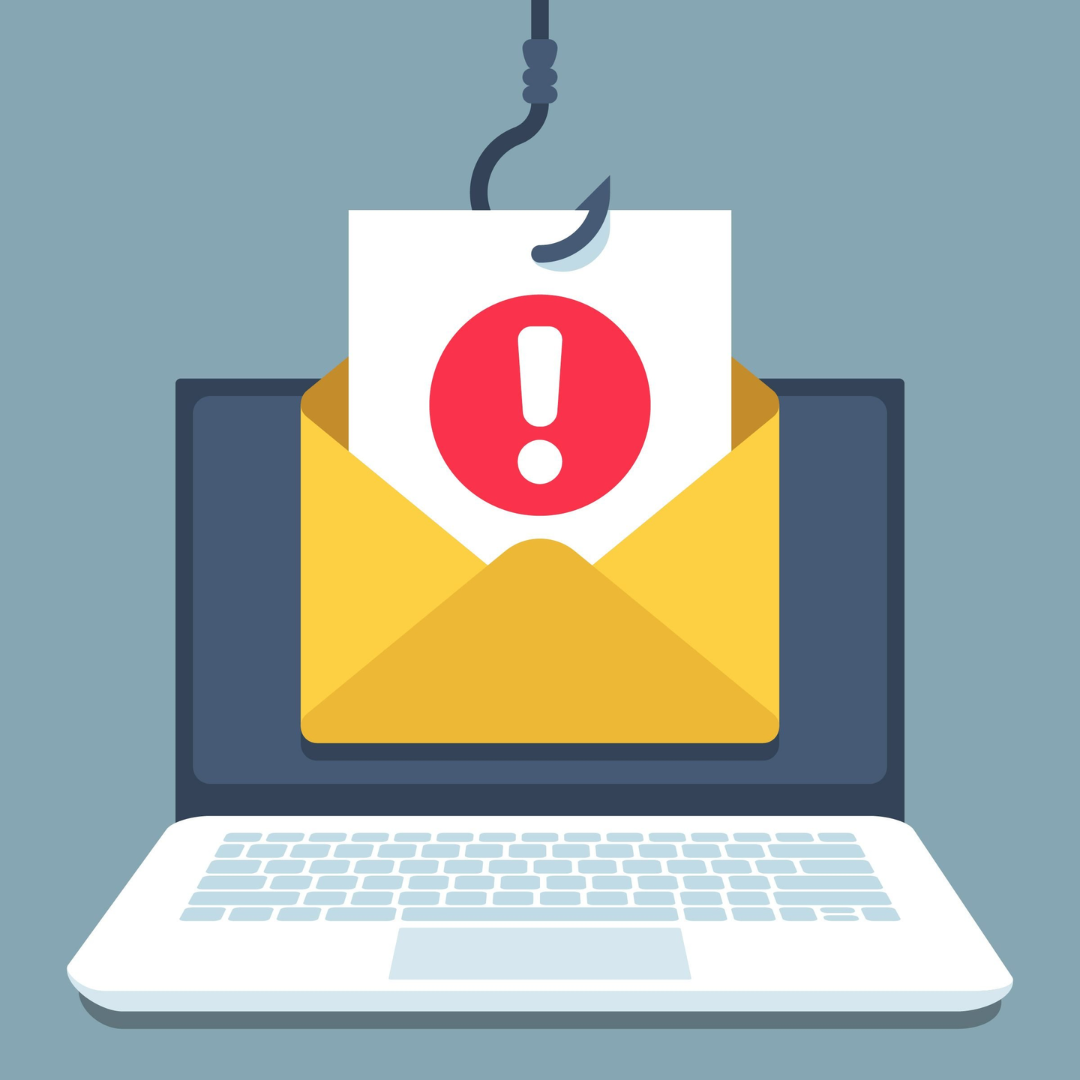
The internet has become a part of almost every moment of our lives — we shop online, pay bills, connect with friends, manage our work, and store personal information in the cloud.
But as our digital presence grows, so do the threats. Online scams, phishing attacks, fake websites, and identity theft have become modern traps that can catch anyone — from students and professionals to business owners.
Every year, millions of people lose money and data to online scams.
The problem is not limited to the careless — even tech-savvy users get tricked by convincing fake messages, websites, and calls.
In this complete guide, you’ll learn how to identify, avoid, and protect yourself from online scams and phishing attacks. You’ll also discover how scammers work, what red flags to watch for, and the smart habits that can keep your data and money safe.
1. Understanding Online Scams
Online scams are fraudulent schemes designed to steal money, personal data, or login credentials by deceiving users.
The internet gives scammers anonymity and reach — they can target thousands of people with a single email or ad.
Common Goals of Online Scammers
- Steal credit card or banking information
- Access your passwords or personal accounts
- Install malicious software (malware or ransomware)
- Impersonate trusted brands or institutions
- Lure victims into sharing private or financial data
Online scams have evolved over the years. Early scams used poor grammar and obvious lies, but today’s scams look professional — using cloned websites, verified-looking email addresses, and realistic branding.
2. What Is Phishing?
Phishing is one of the most common forms of online scams.
It’s a trick used by cybercriminals to “fish” for your personal information — such as usernames, passwords, or credit card numbers — by pretending to be someone you trust.
How Phishing Works
- You receive a message (email, SMS, or even social media DM) that appears to be from a legitimate source.
- The message contains a link or attachment that looks safe but actually leads to a fake page.
- Once you click, the fake page asks you to “log in” or “verify your details.”
- Your entered data goes straight to the attacker instead of the real company.
Example:
You get an email that says:
“Your bank account has been suspended. Please verify your details immediately.”
It includes a link that looks like your bank’s site — but a closer look reveals it’s fake (like “bank-secure-login.com”).
This is phishing — a scam that feeds on urgency and trust.
3. Types of Online Scams and Phishing Attacks
Knowing what types of scams exist helps you recognize them instantly.
1. Email Phishing
The classic method — fake emails that mimic trusted brands or banks.
They often include fake invoice alerts, account warnings, or refund claims.
2. Smishing (SMS Phishing)
Fraudulent text messages that trick users into clicking malicious links or revealing OTPs.
3. Vishing (Voice Phishing)
Scammers make fake calls pretending to be from your bank, telecom provider, or even government agencies.
4. Clone Websites
Scammers copy the exact design and logo of real sites to steal login credentials or card data.
5. Social Media Scams
Fake job offers, giveaway posts, investment messages, and impersonation accounts flood social platforms.
6. Fake Shopping Websites
Online stores that offer unbelievable discounts to collect payments but never deliver products.
7. Investment and Crypto Scams
Fraudsters promise huge returns, “guaranteed profits,” or limited-time crypto offers to lure people in.
8. Tech Support Scams
Pop-up alerts claim your device is infected — urging you to call fake support numbers or download malware.
9. Romance Scams
On dating apps or social media, scammers pretend to form emotional connections and later ask for money.
10. Job Offer or Work-from-Home Scams
Fake recruiters send job offers or “part-time work” messages that ask for registration fees or personal data.
4. Red Flags That Indicate a Possible Scam
Scammers rely on psychology — urgency, fear, or greed — to make victims act without thinking.
Spotting red flags early can stop an attack before it begins.
Common Warning Signs
- Too Good to Be True Offers:
Unrealistic prizes, instant loans, or guaranteed profits are classic baits. - Urgent or Threatening Tone:
Messages that say “your account will be blocked in 24 hours” aim to create panic. - Unusual Sender Addresses:
Look closely —support@paypal.comis real, butsupport@pay-pal-help.comis fake. - Spelling and Grammar Errors:
Many scam emails contain odd phrasing or typos. - Strange Links or Attachments:
Hover your mouse over a link before clicking — fake links often redirect to suspicious domains. - Requests for Sensitive Data:
Legitimate companies never ask for passwords, OTPs, or full card details via email or SMS. - Unverified Payment Gateways:
Always check if the URL starts with https:// and includes a padlock icon before entering payment details.
5. How Scammers Target You
Understanding their tactics helps you stay alert.
1. Data Leaks and Breaches
Scammers buy stolen data from dark web markets — email IDs, phone numbers, or even passwords — and target you personally.
2. Social Engineering
They gather your information from social media (like your name, job, or location) to create believable scams.
3. Impersonation
Some create fake identities pretending to be officials, coworkers, or friends.
4. Malware Injection
They use infected files or fake software updates to secretly steal your data.
5. Fake Ads and Pop-ups
Malicious ads redirect users to phishing pages or fake download links.
6. Smart Ways to Protect Yourself from Online Scams
Being safe online isn’t about being paranoid — it’s about building digital habits that protect you naturally.
1. Always Verify the Source
Double-check the sender’s email or the website’s URL before taking action.
If a bank or company sends a message, contact them through official websites only.
2. Avoid Clicking Unknown Links
Don’t click links in unsolicited messages, even if they look professional.
3. Enable Two-Factor Authentication (2FA)
Add an extra layer of security — even if your password is compromised, your account remains protected.
4. Use Strong and Unique Passwords
Avoid using one password across multiple accounts.
Use a password manager to generate and store secure passwords safely.
5. Keep Software Updated
Outdated browsers and apps have security holes that scammers exploit.
Enable automatic updates wherever possible.
6. Don’t Share OTPs or Verification Codes
No genuine company ever asks for your one-time passwords or CVV codes.
7. Watch Out for Shortened URLs
Scammers use URL shorteners (like bit.ly) to hide real destinations.
8. Use Secure Wi-Fi Connections
Avoid banking or shopping on public Wi-Fi — hackers can intercept data on open networks.
9. Check for HTTPS
Before entering sensitive data, ensure the site uses HTTPS — not just HTTP.
10. Avoid Over-Sharing on Social Media
Limit what you reveal publicly — your date of birth, location, or family details can help scammers guess security questions.
7. How to Identify a Fake Website or App
Scammers design fake websites and apps that look almost identical to the real ones.
Here’s how to spot them:
Signs of a Fake Website
- URL contains spelling errors (like “amazonn” instead of “amazon”).
- No HTTPS security certificate.
- Poor design or low-quality images.
- Broken navigation links.
- Unrealistic discounts or countdown timers.
Signs of a Fake App
- Too few downloads and suspicious reviews.
- Missing developer information.
- Requesting unnecessary permissions.
- Doesn’t link to an official website.
Always download apps only from trusted platforms like Google Play or the Apple App Store.
8. Protecting Your Money and Personal Data
For Online Banking
- Access your account through the bank’s official app or website only.
- Never share login credentials or OTPs.
- Set transaction alerts to get instant notifications.
For Online Shopping
- Stick to well-known marketplaces.
- Avoid deals that require direct payments via UPI or wire transfer.
- Read user reviews carefully.
For Email Safety
- Filter spam and block suspicious senders.
- Don’t open attachments from unknown sources.
For Mobile Safety
- Use a trusted antivirus or security app.
- Turn off Bluetooth and location when not in use.
- Avoid sideloading APKs or unofficial app versions.
9. What to Do If You Fall Victim to a Scam
Even careful people can make mistakes.
Here’s what to do immediately if you’ve been scammed or suspect fraud:
1. Don’t Panic — Act Quickly
Speed is everything. The sooner you respond, the higher the chances of minimizing damage.
2. Change Your Passwords
Update passwords for all connected accounts immediately.
3. Contact Your Bank
Inform your bank about suspicious transactions; request to block cards or freeze accounts temporarily.
4. Report the Scam
- In India, visit cybercrime.gov.in
- In the U.S., report via FTC.gov
- For social platforms, report impersonation directly from the app.
5. Scan Your Device
Use antivirus software to detect malware or spyware.
6. Alert Your Contacts
Warn friends and family in case scammers use your details to target them too.
7. Monitor Accounts
Keep an eye on credit reports, emails, and notifications for unusual activity.
10. Business and Workplace Scams
Cybercriminals also target organizations through Business Email Compromise (BEC), fake invoices, or impersonating senior executives.
How to Prevent Corporate Phishing
- Educate employees about fake emails.
- Verify requests for money or sensitive data.
- Use official communication channels.
- Implement company-wide spam filters and 2FA.
11. Role of Technology in Fighting Scams
Technology isn’t just a threat vector — it’s also the best defense.
Modern Security Tools
- Spam Filters: Detect and block fraudulent emails.
- AI-Powered Detection: Machine learning identifies fake patterns in real-time.
- Browser Warnings: Chrome and Safari flag unsafe websites automatically.
- Secure Payment Systems: Tokenization and encryption protect transactions.
Governments and cybersecurity agencies worldwide are using artificial intelligence to monitor digital fraud networks proactively.
12. Building a Security Mindset
Technology helps, but awareness is your strongest defense.
- Always pause and verify before acting on messages.
- Think twice before sharing personal or financial details.
- Treat every unexpected link, call, or email as suspicious until proven safe.
- Keep learning — new scams evolve every month.
Remember: online safety isn’t a one-time effort — it’s a habit.
13. The Future of Cyber Safety
The next decade will bring new types of digital deception — deepfake videos, AI-generated messages, and cloned voices.
Scammers will use technology more intelligently, but security systems will grow stronger too.
Cybersecurity experts predict that AI-based fraud detection, biometric authentication, and real-time transaction monitoring will redefine online safety.
But no matter how advanced technology gets, the first line of defense will always be you — the user who stays alert.
Conclusion
Online scams and phishing attacks are designed to exploit trust.
The good news is that with awareness and smart habits, you can stop them before they start.
Every click, every login, and every email is a moment where you can make a safe choice.
Verify before trusting. Pause before clicking. Question before sharing.
In a world where information moves faster than ever, vigilance is the new security.
And once you build that mindset, no scam — no matter how advanced — can catch you off guard again.
