

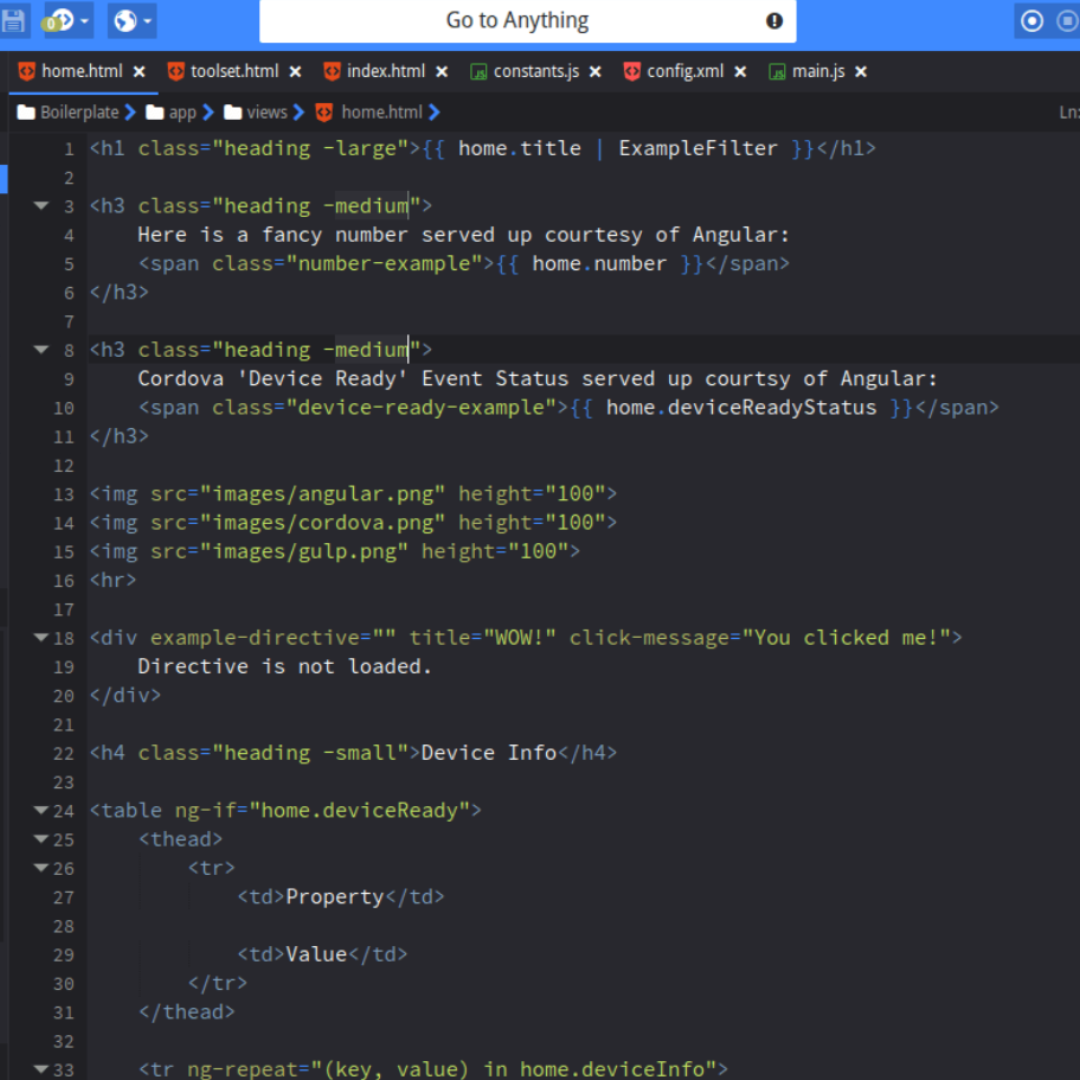
In today’s digital world, learning how to code isn’t just for computer engineers — it’s a skill that empowers everyone. Whether you want to build your own website, automate small tasks, or start a career in tech, coding has become one of the most valuable abilities of this decade.
But here’s the challenge: when you’re starting out, programming can feel confusing, overwhelming, and even intimidating. The number of languages, tools, and platforms available online can make it hard to decide where to begin.
That’s exactly why beginner-friendly coding platforms exist — to make the learning process simple, guided, and interactive.
This detailed article explores what coding really means, why beginners should start with structured platforms, and which platforms make the journey easiest.
Why Learning Coding Matters in Modern Times
Before diving into platforms, let’s first understand why coding matters so much today.
1. Coding Powers Everything
Every app you open, every website you visit, and every digital service you use is built with code.
From the calculator on your phone to space exploration systems — all depend on programming.
2. Gateway to Career Growth
Software developers, web designers, AI engineers, and even marketing analysts use code daily.
A basic understanding of programming opens doors across industries — not just in tech.
3. Creativity Meets Logic
Coding combines problem-solving and creativity. You think logically to solve problems but also create things — games, websites, apps — that didn’t exist before.
4. Automation and Efficiency
Once you know coding, you can automate repetitive tasks and make your work faster. Even basic scripts can save hours.
5. Digital Independence
Instead of depending on someone else to fix a website or an app issue, you can handle it yourself. That confidence is priceless.
What Makes a Coding Platform Beginner-Friendly?
When you’re just starting, you need tools that teach gently, not overwhelm. Here’s what to look for:
- Interactive Learning:
You type code and immediately see results. It helps you connect logic with output. - Step-by-Step Lessons:
Beginners learn best when lessons are structured — each topic building on the previous one. - Instant Feedback:
The platform should tell you where you went wrong and why, instead of leaving you confused. - No Setup Hassle:
You shouldn’t need to install heavy software. Browser-based editors are ideal for starting. - Small Projects and Practice Tasks:
Real-world mini-projects keep learning interesting and practical. - Gamified Progress:
Platforms that reward you for completing lessons make the process fun and addictive. - Community Support:
A friendly discussion forum helps when you’re stuck or need tips.
With these qualities in mind, let’s explore some coding environments that truly simplify learning for first-timers.
1. CodeQuest (Concept Platform Example)
Let’s imagine a perfect beginner platform called CodeQuest — a model representing what great beginner-friendly coding sites do.
Features:
- Interactive lessons directly in your browser.
- Starts with simple visual lessons — drag-and-drop logic before syntax.
- Gradually introduces real coding languages like HTML, CSS, and Python.
- Small 10-minute daily challenges to build consistency.
- Built-in project library where users create simple websites and games.
Why It Works for Beginners:
Because CodeQuest starts visually, it removes fear. Once you understand logic, real code feels natural. It’s how many successful platforms are designed — from scratch to script.
2. WebLab (Example for Web Learners)
If your goal is to create websites, your learning platform should start with the core building blocks:
- HTML for structure
- CSS for styling
- JavaScript for interactivity
A web-focused learning environment, like our imagined WebLab, introduces these step by step.
Learning Flow:
- You begin by building a simple “Hello World” webpage.
- Next, you learn to style it — changing colors, layouts, and fonts.
- Then, JavaScript brings life — buttons, animations, pop-ups, and logic.
Why Web-Based Learning Works:
When you see instant visual results (a button appearing, an image moving), motivation skyrockets. It’s tangible and exciting for beginners.
3. CodeCamp Junior (Inspired Model for Practical Learners)
The best way to learn code is to build — even small things. CodeCamp Junior follows a “learn by doing” principle.
Approach:
- No lengthy theory — just short, clear explanations.
- After each lesson, you apply it immediately.
- You earn digital badges for completing projects like:
- Building a quiz app
- Designing a portfolio page
- Creating a random password generator
How It Helps Beginners:
This project-driven method mimics real-world experience. You’re not just reading about code — you’re producing something from day one.
4. LogicPlay (Visual Learning for Absolute Beginners)
If you have zero experience, visual programming is the easiest entry point.
In LogicPlay, users build logic using blocks instead of text code — similar to how kids learn with puzzles.
Why It’s Effective:
- You understand the structure of “if-else” conditions and loops visually.
- It builds logic intuition — the core of programming.
- After mastering visuals, you can transition to text-based languages easily.
This model works well for younger learners, non-tech backgrounds, or people afraid of “syntax errors.”
5. ScriptZone (Concept for Multi-Language Beginners)
After you’ve grasped the basics, ScriptZone-type platforms help you explore multiple languages.
Languages Covered:
- Python: Simple and readable — perfect for logic building.
- JavaScript: Great for web and front-end logic.
- C++ or Java: For structured programming understanding.
Learning Experience:
- Built-in compiler and interpreter, so no setup required.
- “Try-It-Yourself” panels for instant results.
- Quizzes after every module to strengthen retention.
Why Multi-Language Exposure Matters:
Learning different syntaxes early helps you adapt faster when switching technologies later.
Practical Tips for Learning on Any Platform
No matter which platform you choose, how you approach learning determines success.
1. Start with a Goal
Decide what you want from coding:
- To make websites? → Start with HTML, CSS, JS
- To build apps? → Learn Python or Java
- To automate work? → Try small Python scripts
Having a direction prevents overwhelm.
2. Dedicate Consistent Time
Even 30 minutes daily is better than 3 hours once a week. Consistency builds retention.
3. Practice More Than You Watch
Typing code matters. Don’t just read tutorials or watch videos — build something yourself.
4. Build Small Projects Early
Simple projects like:
- “To-Do List App”
- “Calculator”
- “Personal Portfolio Page”
These give real satisfaction and learning depth.
5. Learn Debugging
Debugging is an underrated skill. Every coder faces errors; learning how to solve them independently boosts confidence.
6. Join a Community
Forums, Discord servers, and Reddit groups for beginners are goldmines for help, advice, and motivation.
Languages to Start With as a Beginner
Even the best platforms are useless if you start with an unnecessarily complex language.
Here are ideal beginner languages and why:
1. Python
- Clean syntax, human-readable, and widely used in AI, data, and automation.
- You can build simple programs quickly.
2. JavaScript
- The language of the web — works directly in browsers.
- Perfect for beginners interested in web design and dynamic sites.
3. HTML & CSS
- The easiest starting point.
- Great for visual learners because results appear instantly.
4. Scratch or Blockly
- Block-based coding for absolute beginners (especially kids).
- Builds logic without syntax errors.
5. C or C++
- More complex, but learning basics here makes future languages easier.
The Benefits of Learning Through Beginner Platforms
- Guided Learning Curve: You won’t get lost in too much information.
- Instant Progress Tracking: Most platforms show percentage completion and milestones.
- Motivational Feedback: Badges and streak counters keep you consistent.
- Community Help: Forums prevent frustration and abandonment.
- Hands-On Experience: You build real code, not just watch lessons.
The goal isn’t to memorize syntax but to develop problem-solving skills.
Common Beginner Mistakes and How to Avoid Them
- Trying to Learn Everything at Once
Stick to one language until you’re comfortable. - Ignoring Fundamentals
Don’t skip basics like loops, conditionals, and variables — they form the foundation of all programming. - Copy-Pasting Code
Typing helps memory. Always write your own. - Quitting After the First Error
Debugging is part of learning; every professional still faces bugs. - Not Building Anything
Reading won’t make you a coder — creating will.
Future Scope: From Beginner to Builder
Once you master basics through these simple platforms, move to:
- Full web development (HTML, CSS, JS, frameworks)
- App development (Flutter, React Native)
- Data analysis (Python, Pandas, NumPy)
- Automation (Python scripts)
- Game development (Unity, C#)
Every advanced step begins with the fundamentals learned on simple, beginner-friendly platforms.
Conclusion
Coding isn’t just about writing programs — it’s about understanding logic, problem-solving, and creativity.
Beginner-friendly platforms make that journey smoother by providing structure, motivation, and instant results.
When you start small, stay consistent, and keep experimenting, even complex concepts become simple over time.
So choose a platform, write your first line of code today, and step into the world where ideas become reality through logic.
