

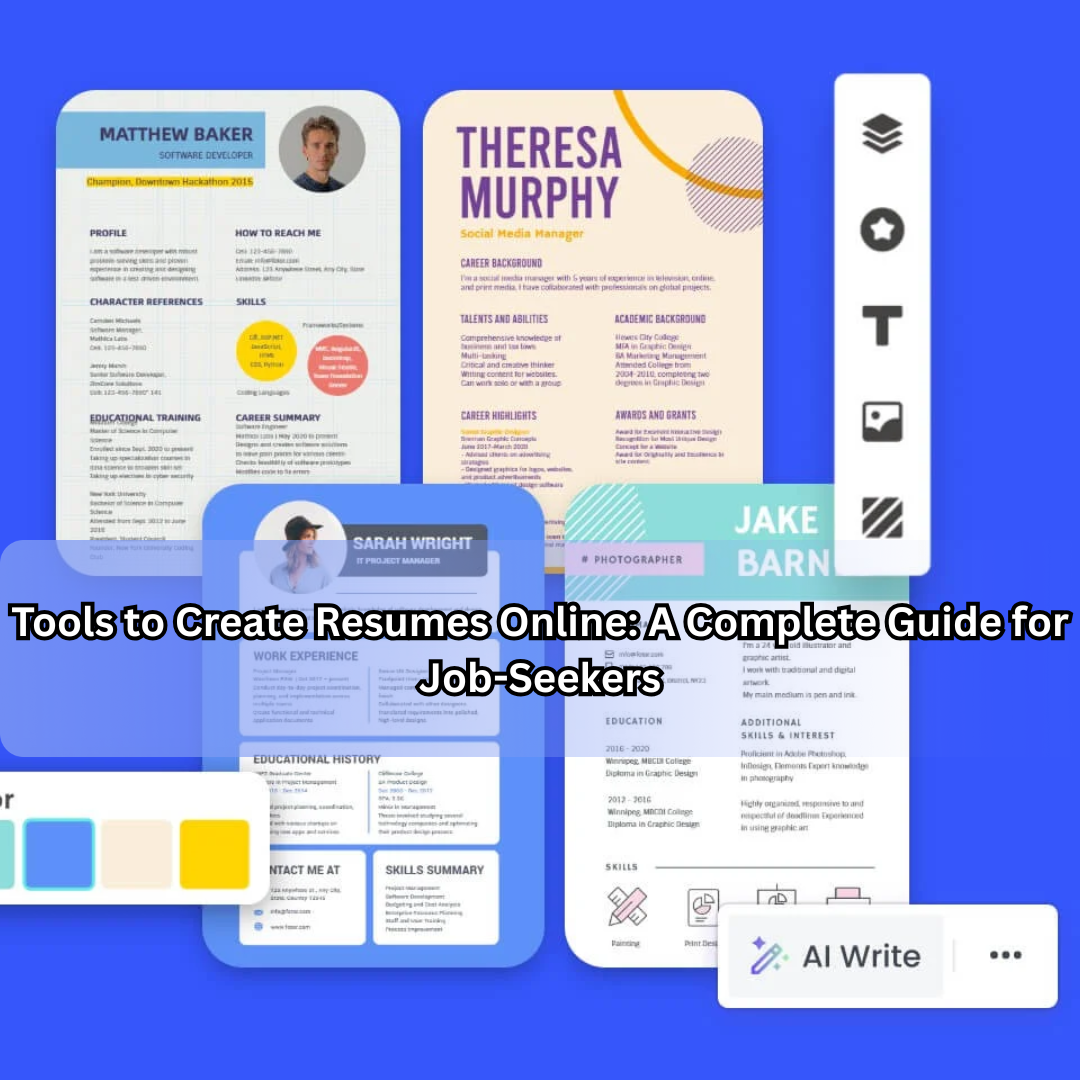
In today’s competitive job market, your resume is often your first (and sometimes only) chance to make a strong impression. Whether you’re a fresher, switching careers, or an experienced professional, having a well-designed, targeted, and polished resume is crucial. The good news: you no longer need expensive design software, deep layout skills, or a graphic designer to create one. Online resume builders have made the process faster, more efficient, and easier to manage.
This guide explores how online resume building tools work, what features to look for, presents the top tools you should consider, and helps you choose the right one while highlighting best practices to ensure your resume stands out—for both humans and Applicant Tracking Systems (ATS).
Why Use an Online Resume Builder?
Using an online tool to build your resume offers several advantages:
- Time-saving: Preformatted templates and guided input mean you can create a resume in minutes instead of hours.
- Design support: You get professionally designed layouts, fonts, spacing, and styling without needing a design background.
- ATS-friendly formats: Many builders optimize for Applicant Tracking Systems, improving your chances of passing digital screening.
- Accessibility: You can access the builder from anywhere (browser or mobile), make edits, maintain versions, and download instantly.
- Customization & flexibility: Many tools allow you to tailor the resume to different roles or industries easily.
- Guidance & suggestions: Some builders include tips, pre-written bullet points, or AI-powered content suggestions, helping you craft stronger job-relevant language.
Given these benefits, online resume tools are no longer optional—they’re a smart foundational step in modern job-search strategy.
What to Look for in a Strong Online Resume Builder
When evaluating which tool to use, pay attention to these key features and criteria:
1. Professionally Designed Templates
Look for a variety of high-quality templates: traditional corporate, creative industries, modern minimalist styles. Templates should offer clean formatting, good readability (especially in PDF/Word format), and adaptability for your industry.
2. ATS Optimization
Since many companies use software to scan resumes before human review, the builder should produce formats with simple section headings, logical ordering, and minimal layout gimmicks that might confuse scanning algorithms.
3. Content Guidance & Pre-written Suggestions
The tool should help you with content generation—strong action verbs, role-specific bullet points, consistent tense and format, and suggestions for keywords relevant to your job target.
4. Easy Export & Download Options
You should be able to download your resume in multiple formats: PDF, DOCX/Word, sometimes TXT. The tool should allow you to edit again or create new versions without starting from scratch.
5. Version Control & Flexibility
Good tools let you save multiple versions (for different job applications), make edits, duplicate resumes, or adjust layouts easily.
6. Mobile & Browser Compatible
Given many job-seekers use phones or tablets, the builder should work well across devices.
7. Cost & Free vs Premium Features
Many tools offer free basic templates and downloads; premium features may include advanced templates, AI suggestions, branding options, or cover-letter builders. Check what you get in the free tier.
8. Privacy & Data Security
You will upload personal, professional information—so choose tools that offer good privacy practices, secure storage, and clarity on how your data is used or shared.
9. Ease of Use
The interface should be intuitive. You shouldn’t have to spend hours learning the tool. The process should logically guide you through sections: header → summary → experience → education → skills → additional sections.
10. Industry/Role Customization
Different roles require different emphasis. A builder that offers specific templates for marketing, engineering, management, academia or creative fields gives you an advantage.
Top Online Resume Building Tools
Here are some of the best online tools available for creating resumes. Each has strengths depending on your needs.
1. Canva
Canva is primarily known for graphic-design but has an excellent resume builder.
- Features thousands of templates you can customise visually (fonts, colours, layout). canva.com
- Strong for those who want a visually distinctive resume (especially for creative roles).
- Limitation: you may have to manually enter content; less built-in AI content guidance compared to others. Resume Genius
- Ideal for: those wanting a standout design; less emphasis on built-in job-specific text suggestions.
2. ResumeBuilder.com
A specialist resume builder focused on simplicity and job-search readiness.
- Offers mobile-friendly builder, ATS-friendly templates, and expert tips. ResumeBuilder.com
- Helpful for users who need structure + suggestions, not just design.
- Free tier exists; premium for advanced download options.
- Good for: general job-seekers who want guidance without heavy design work.
3. ResumeGenius
This tool emphasises speed and content assistance.
- Allows upload of existing resume, auto-generates summary, offers pre-written bullet points tailored to job titles. Resume Genius
- Great when you want substance—strong phrasing, role- specific language.
- May involve cost for full features.
- Best for: job-seekers who want persuasive content quickly.
4. Zety
Zety is another strong contender in 2025 for online resume creation.
- Blend of design + content suggestions + interface ease. Zety
- Useful for users who want partner-like experience: design + writing support.
- Good for: mid-level professionals who need both layout and strong narrative.
5. VisualCV
This tool combines creation of both standard resumes and online CVs (web versions).
- Built for multiple versions, sharing via link, and managing different resumes. VisualCV
- Suitable for professionals needing specialized CVs, portfolios, or online presence.
- Ideal for: those applying to academic, international or portfolio-heavy roles.
6. Rezi
Focused heavily on AI and ATS-ready content creation.
- Offers templates designed to pass ATS systems, automated content generation, and keyword matching. Rezi
- For those who want technical precision and job-match optimisation.
- Best for: professionals in competitive fields, or frequent job-applicants.
7. Resume‑Now
Another good option with AI text suggestions, recruiter-tested templates.
- Lets you build quickly, and choose download formats. Resume-Now
- Good for: users who want a simple process with decent results without spending too much time on design.
How to Choose the Right One for You
Here’s a quick decision framework:
- If you’re in a creative role (e.g., marketing, design, media): Emphasise visual design. Use Canva or VisualCV.
- If you’re in a traditional corporate or technical role: Focus on content + ATS optimisation. Use Rezi, Zety or ResumeGenius.
- If you’re a fresher or switching careers: Choose a builder with guidance and suggestions (ResumeBuilder.com or ResumeGenius).
- If you value flexibility and multiple versions: VisualCV gives great version control.
- If budget is a concern: Many offer free tiers. Evaluate what features you need: download options, templates, content help.
- If you apply often to different roles: Pick a builder that allows quick edits, copying versions and tailoring keywords to each job.
- If you prefer heavy design customisation: Canva excels but you’ll spend more time on content yourself.
Best Practices When Using Online Resume Tools
To get the most out of these tools and ensure your resume truly stands out, follow these best practices:
– Keep it targeted
Don’t create one generic resume. Tailor it for each job: emphasise relevant skills, use keywords from the job description.
– Use strong, quantifiable achievements
Avoid generic phrases like “Responsible for…”. Use numbers and outcomes: “Increased sales by 25% in first quarter”.
– Mind the formatting
Even with templates, ensure readability: consistent fonts, clear section headings, enough white space. Avoid too many graphics if applying through ATS.
– Use keywords from the job ad
Many tools offer suggestions, but manually match some keywords from the job description — especially if your target role uses scanning software.
– Keep design simple for corporate roles
If the role is very traditional, choose a clean, minimal template rather than a flashy one.
– Download and test
After building, download in both PDF and Word (DOCX) if possible. Open in different devices to check formatting integrity.
– Version control
Save a “master” version and create tailored versions for each application. Some tools help with this — use them.
– Proofread manually
Even the best builder can’t catch every mistake. Review for grammar, company-specific terms, dates consistency, formatting glitches.
– Update regularly
Keep your resume fresh: update monthly or when you complete significant achievements. Using a builder makes this easier.
– Save the template and content separately
Maintain a copy of your content (e.g., bullet points, job titles) somewhere separate — so you’re not locked into one platform forever.
Avoid These Common Mistakes
- Relying solely on flashy graphics: If the role demands content over form, you’ll hurt your chances.
- Using overly generic statements: “Team player”, “hard-working” don’t impress unless backed by evidence.
- Overlooking ATS compatibility: Some condense design importance too much and ignore the scanning logic.
- Ignoring the role you’re applying for: Always tailor.
- Assuming one tool fits all roles: You might need different versions for different industries.
- Not reviewing on mobile devices: Many recruiters view on phones. Make sure it reads well.
- Paying for unnecessary features: If the free tier gives you what you need, don’t overspend.
- Locking yourself to one platform: Choose tools where you can export your content and move if needed.
The Bottom Line
Online resume builders have revolutionised the way job-seekers create and maintain professional documents. With the right tool, you can build a well-formatted, content-focused, application-ready resume quickly—saving time and increasing your chances of getting noticed.
However, the tool itself doesn’t guarantee success—your content, targeting, proof-reading and tailoring make the difference. Combine the right builder with smart strategy and continuous updates, and you’re putting your best foot forward.
Pick a builder that fits your needs, industry and budget. Use the features wisely, tailor your content, and you’ll create a resume that not only looks good but works.
